Screenshots
On this page you will find some screenshots of webPDF:
Admin
Screenshots for some settings in the admin interface:
On this page you will find some screenshots of webPDF:
Screenshots for some settings in the admin interface:
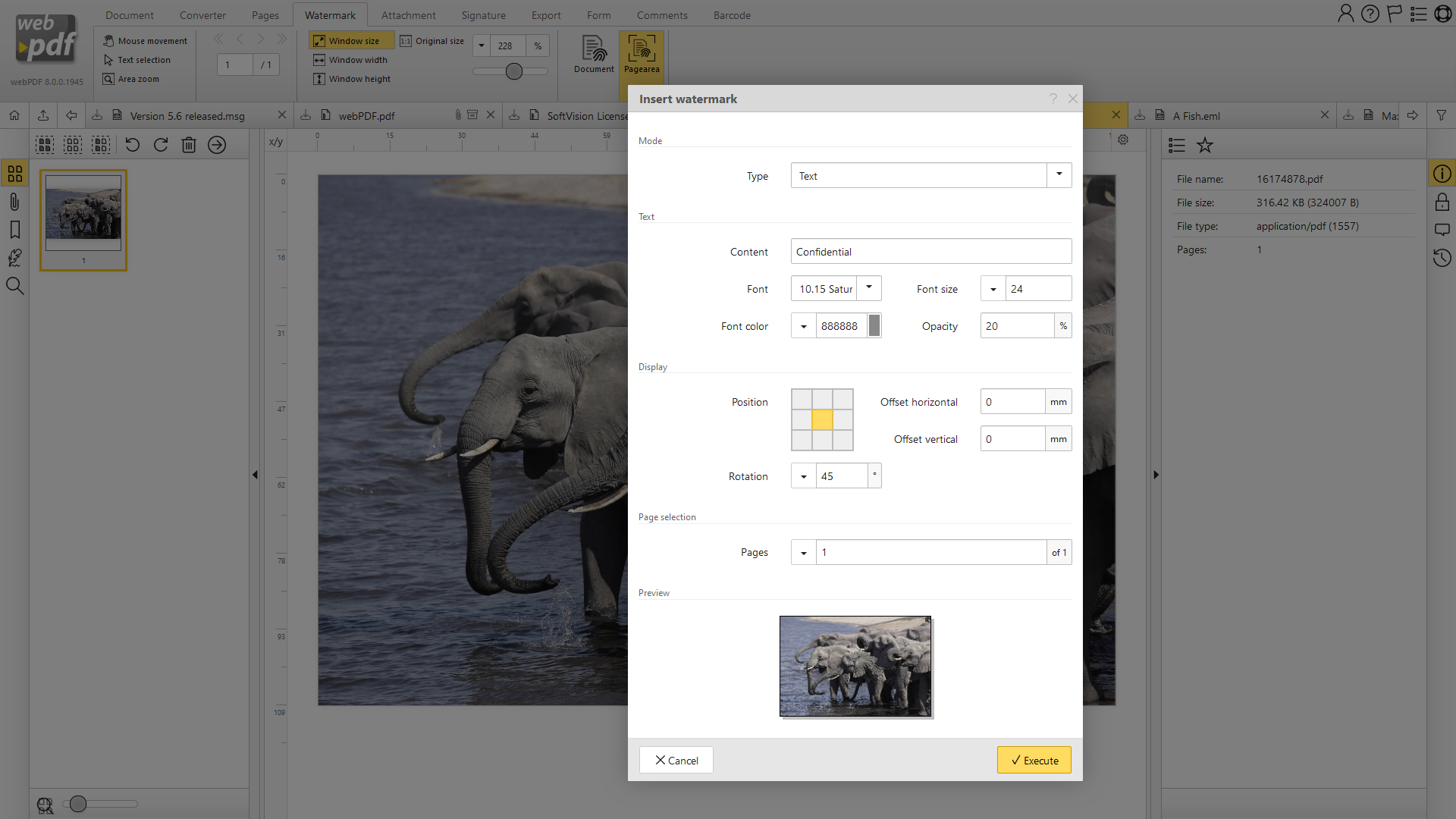 Add a watermark to the PDF document
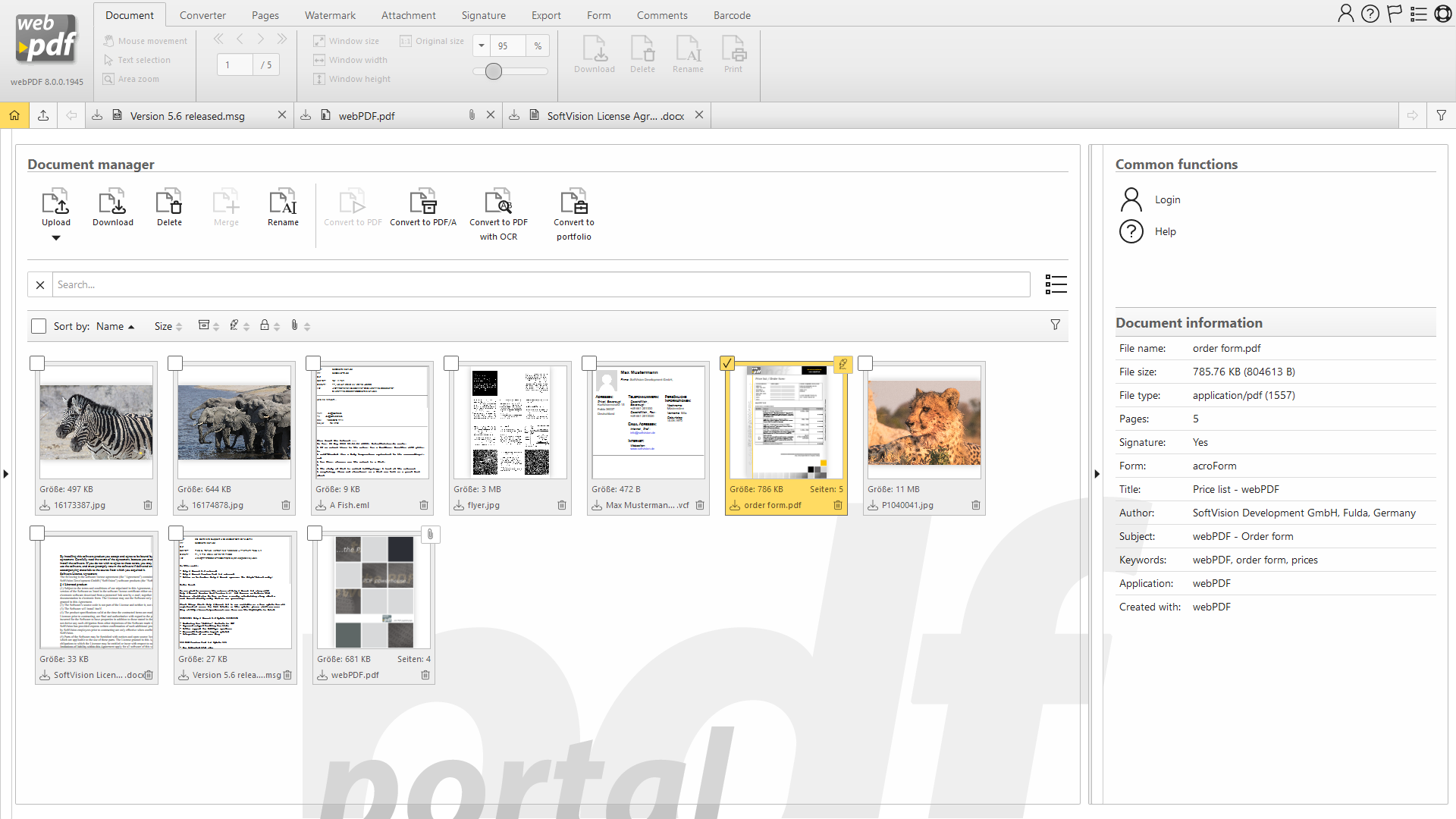 Start page with document manager
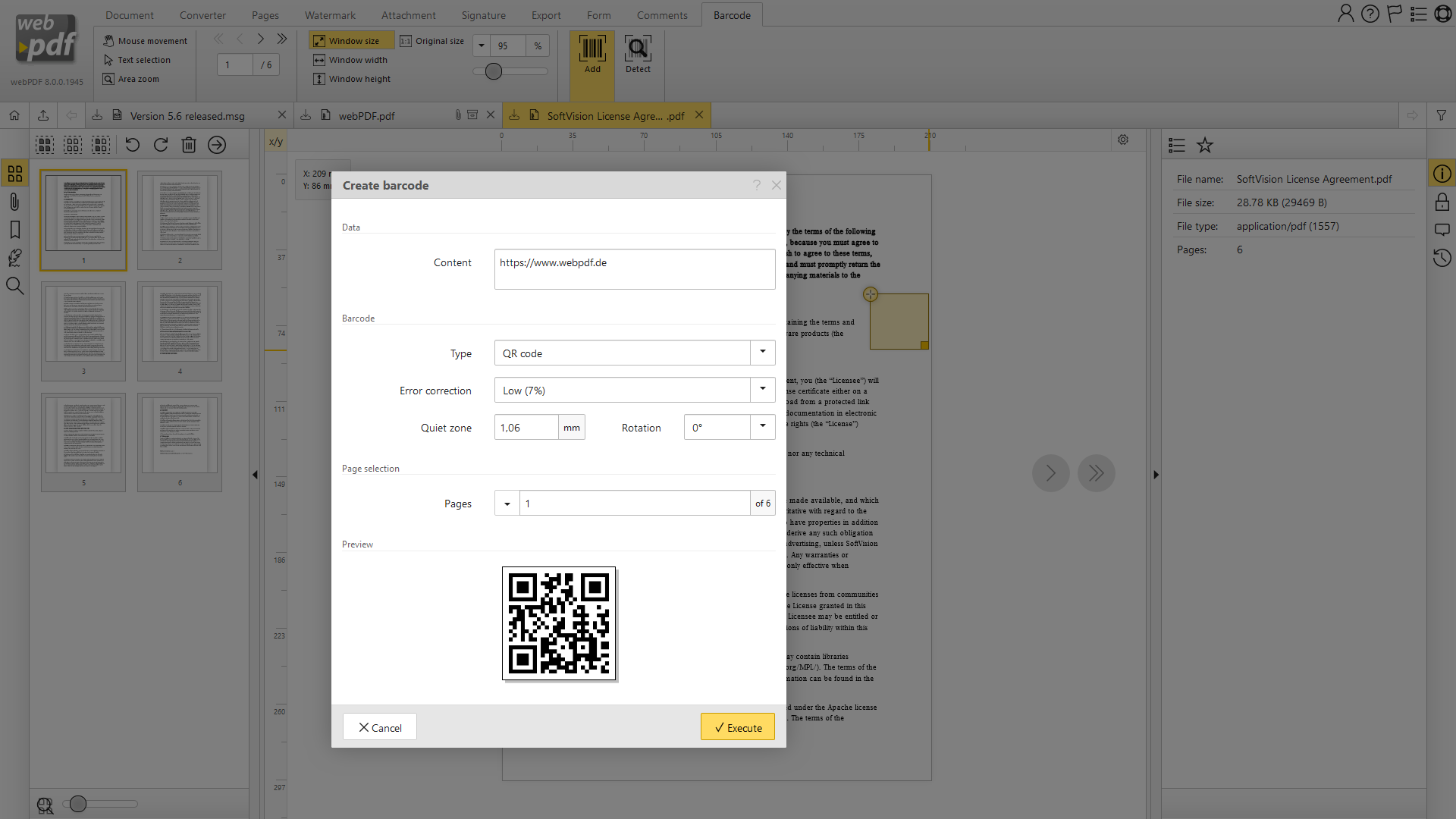 Add barcodes to the PDF document
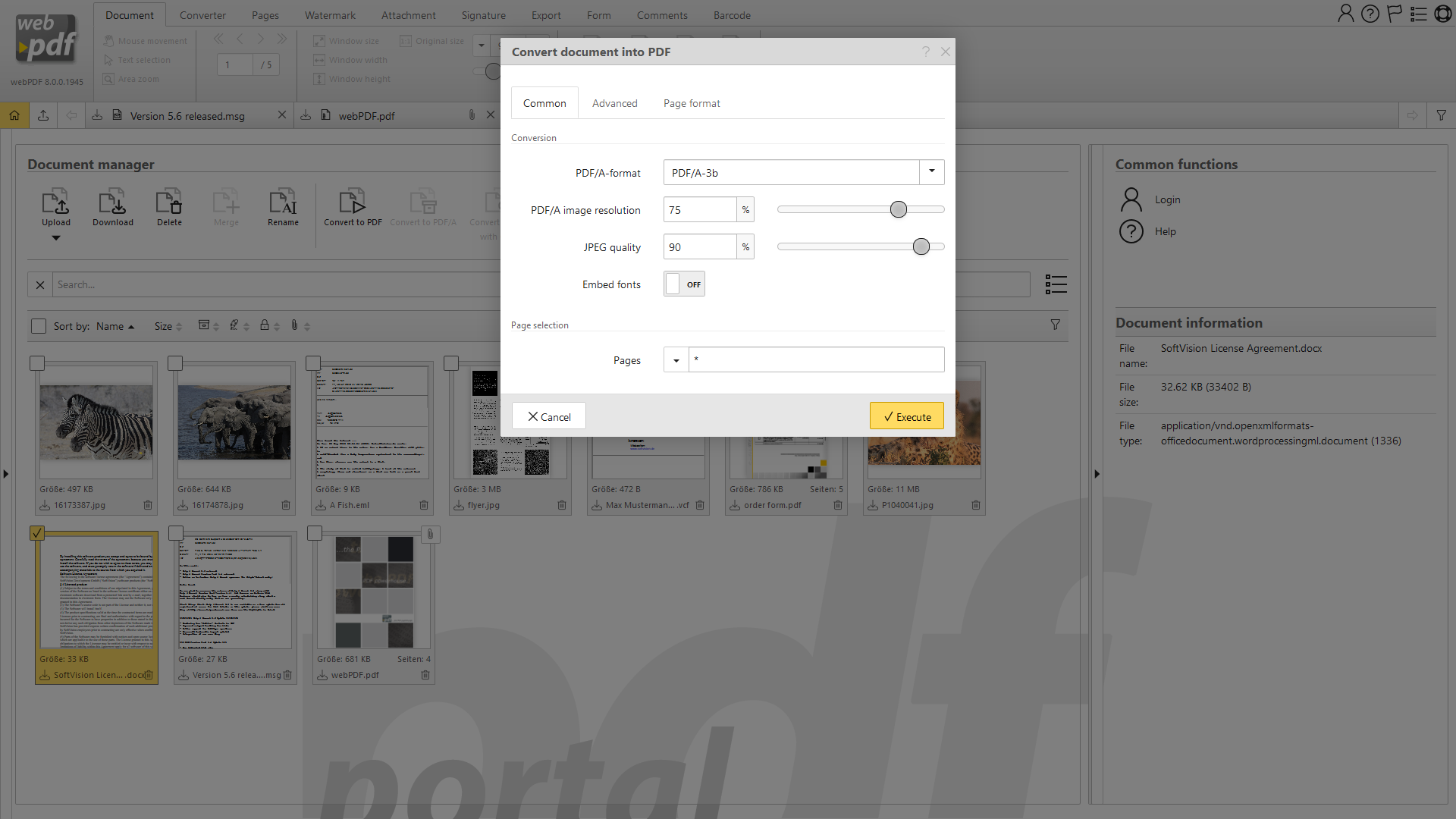 Convert document to PDF
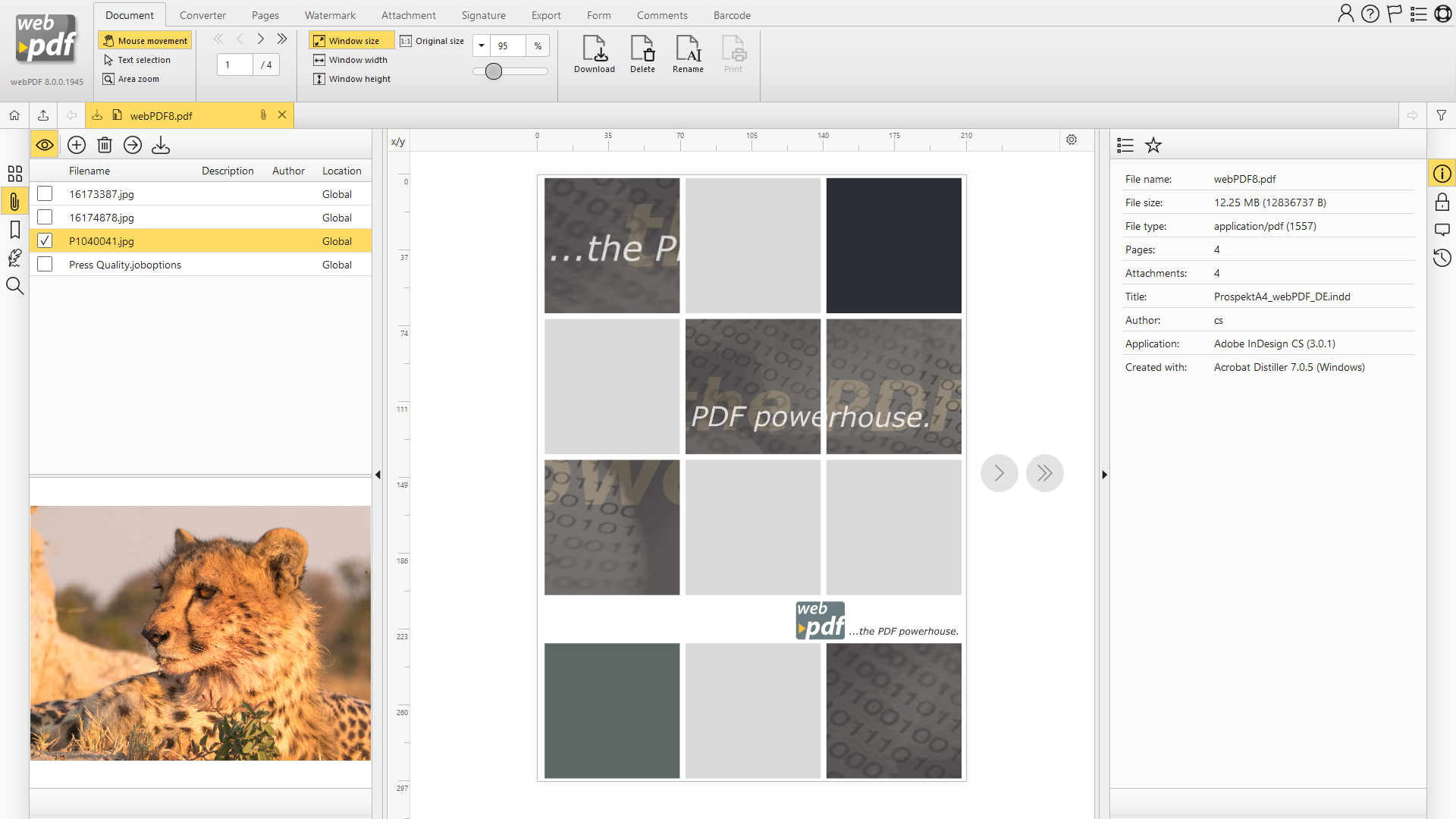 Manage attachments with preview
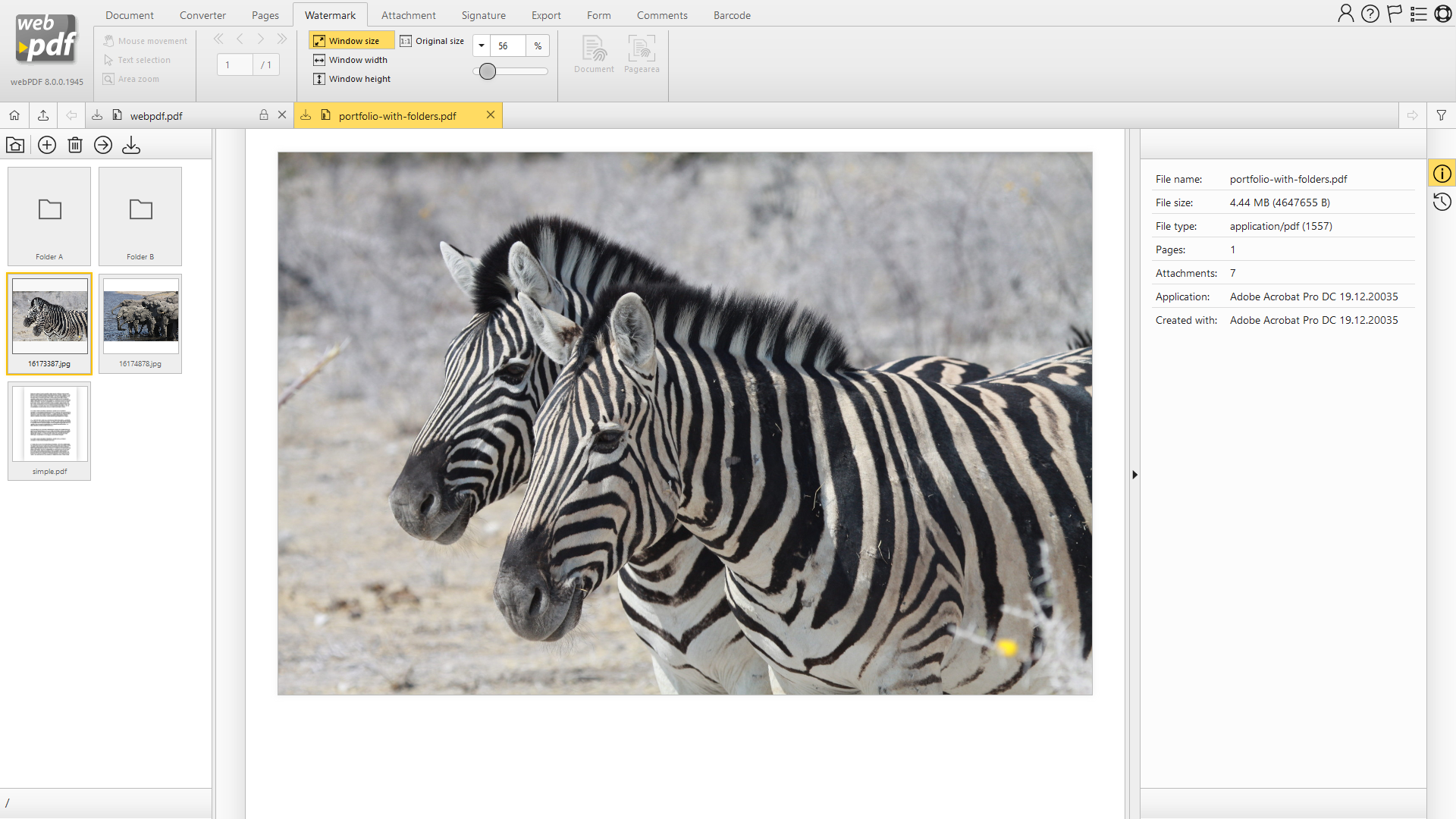 PDF portfolio with files and folders
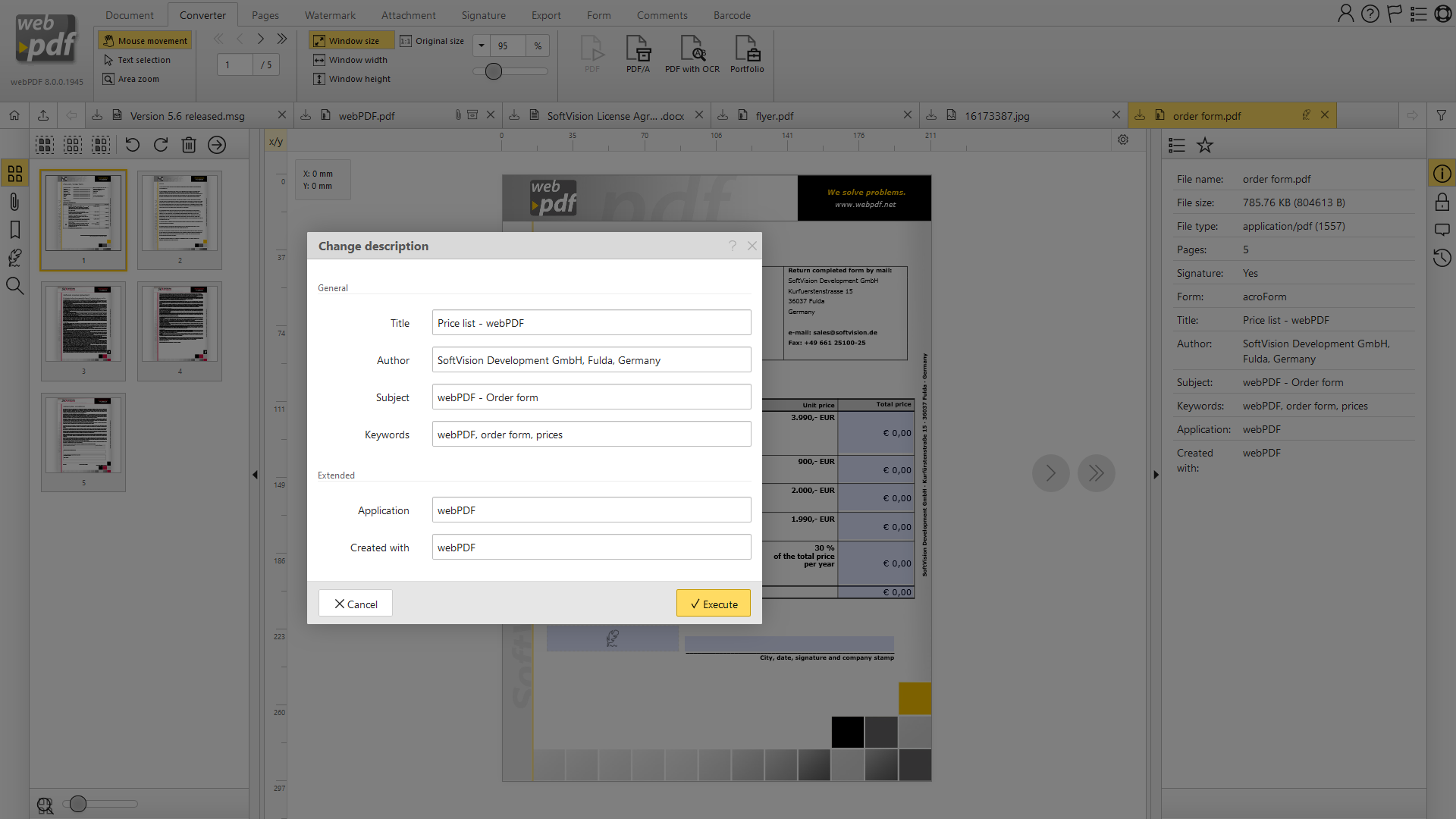 Change the PDF document description
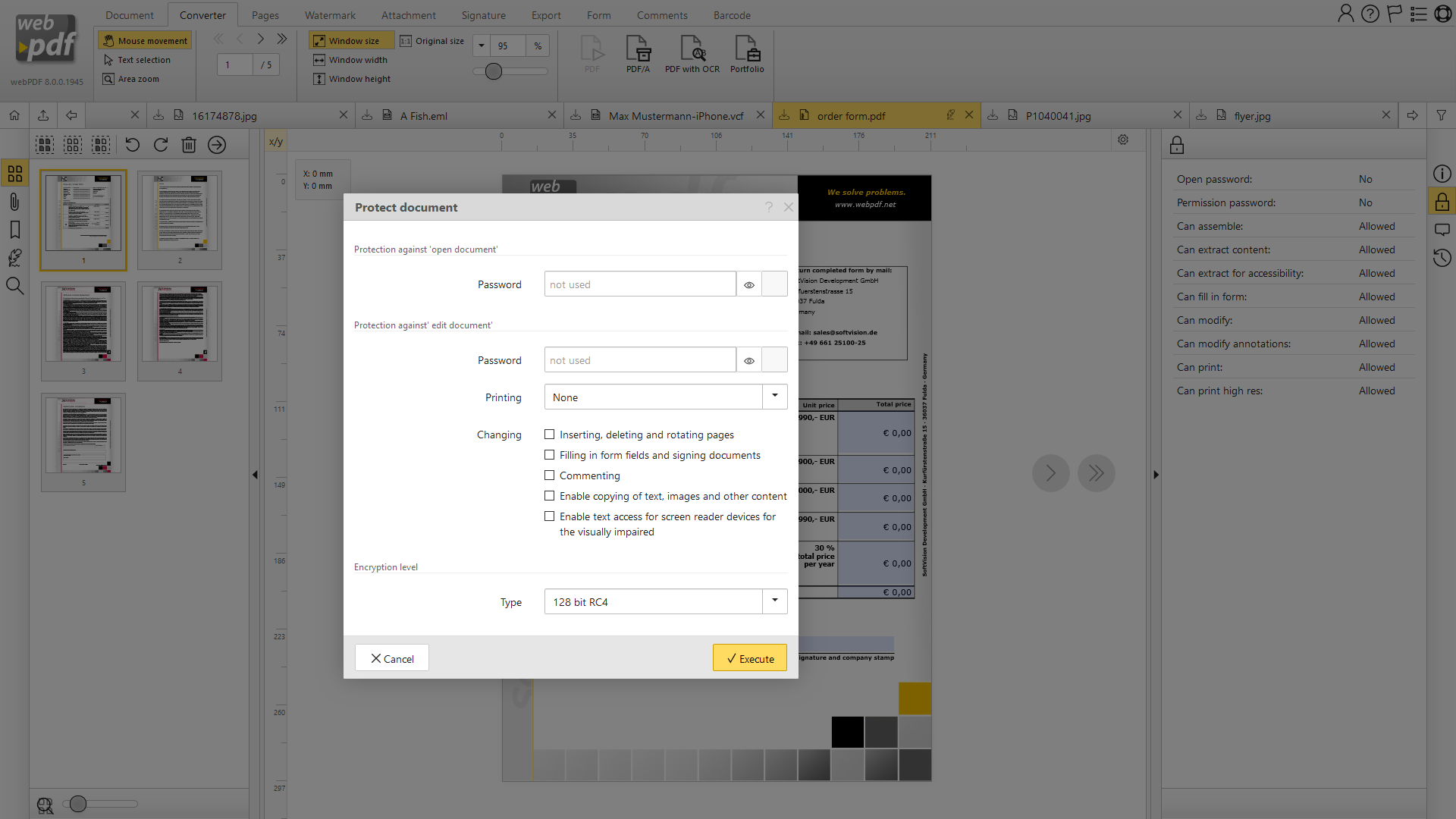 Encrypt and decrypt PDF documents
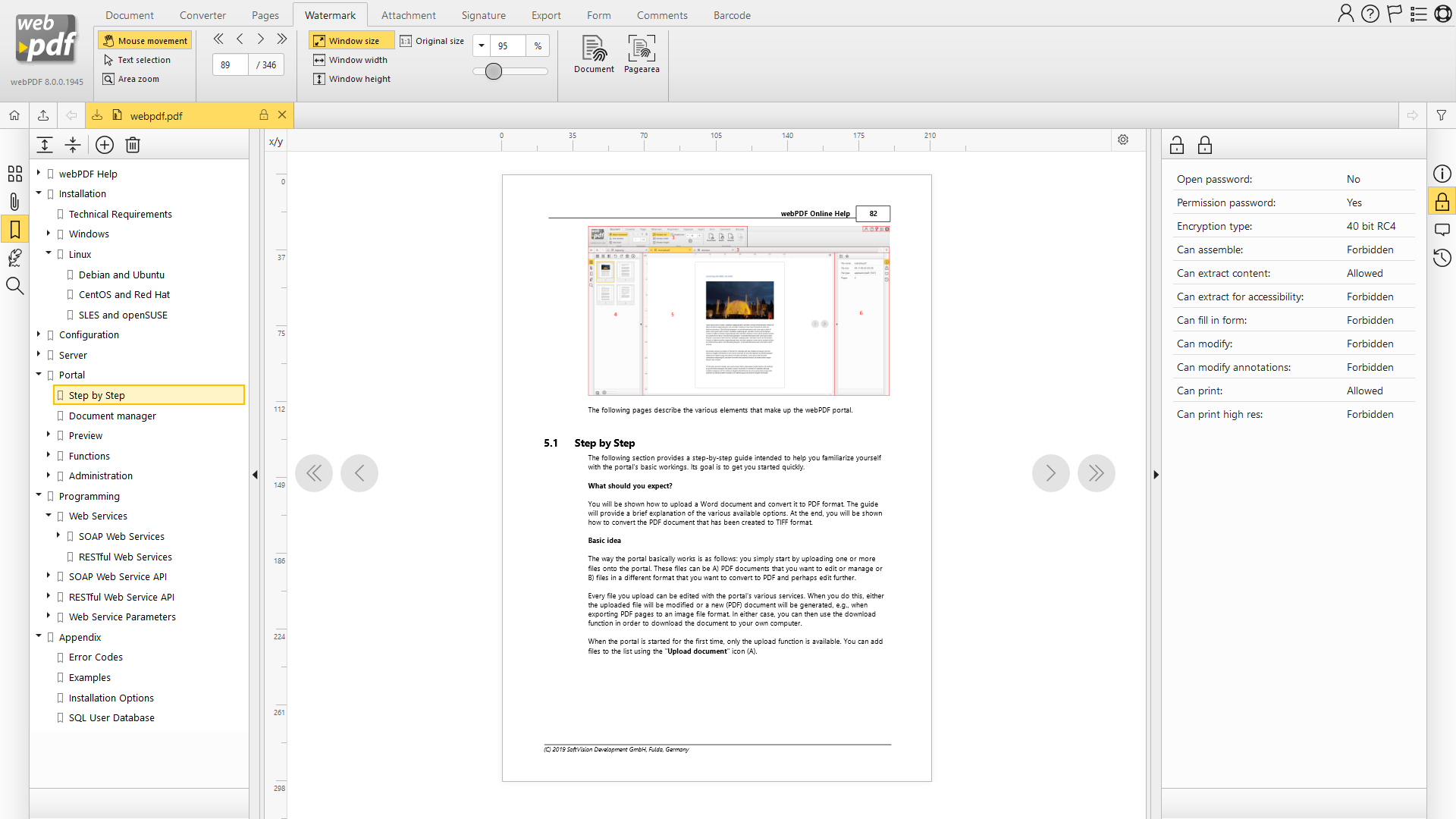 Navigate in the PDF document via outline
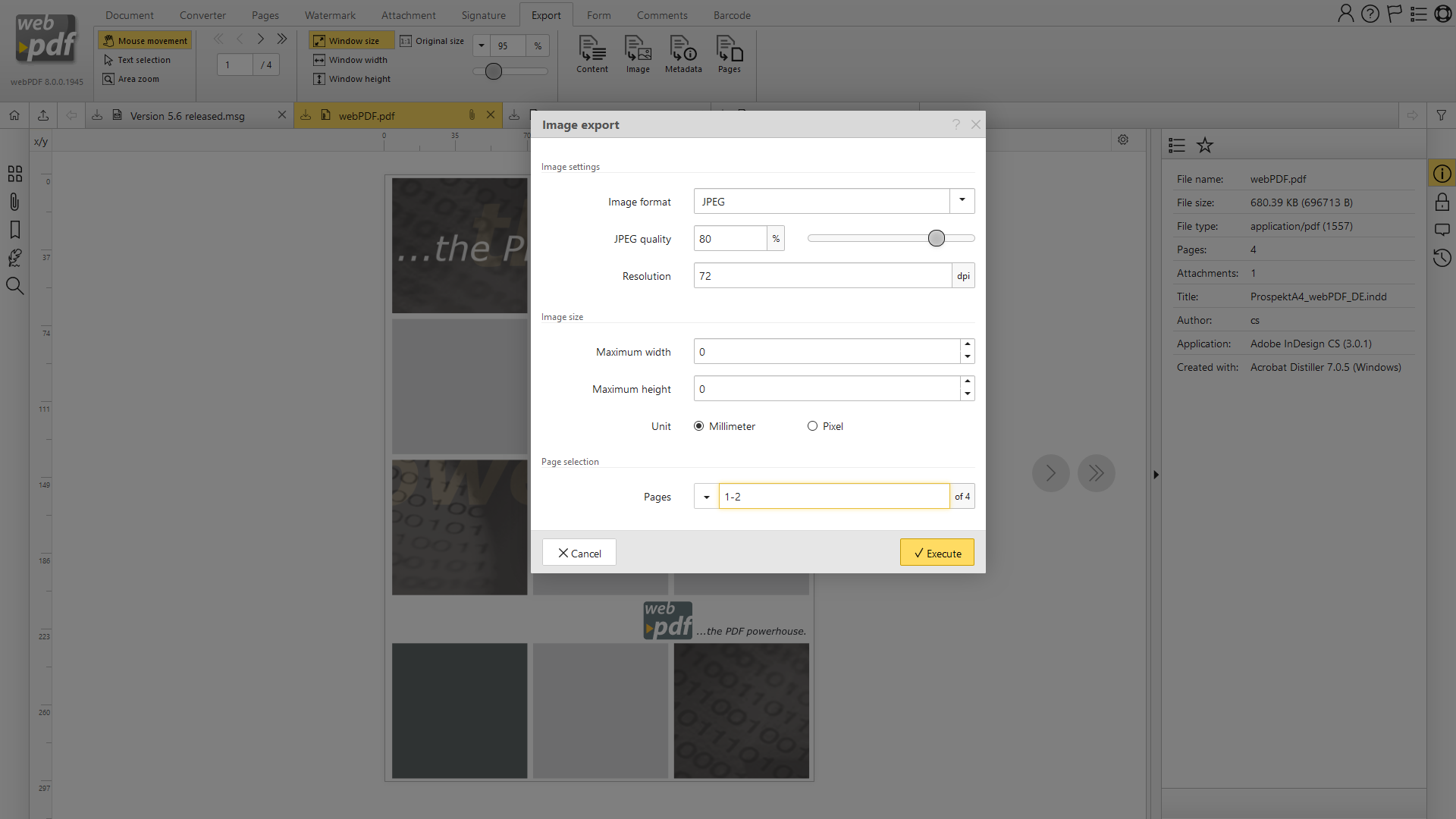 Export pages as images
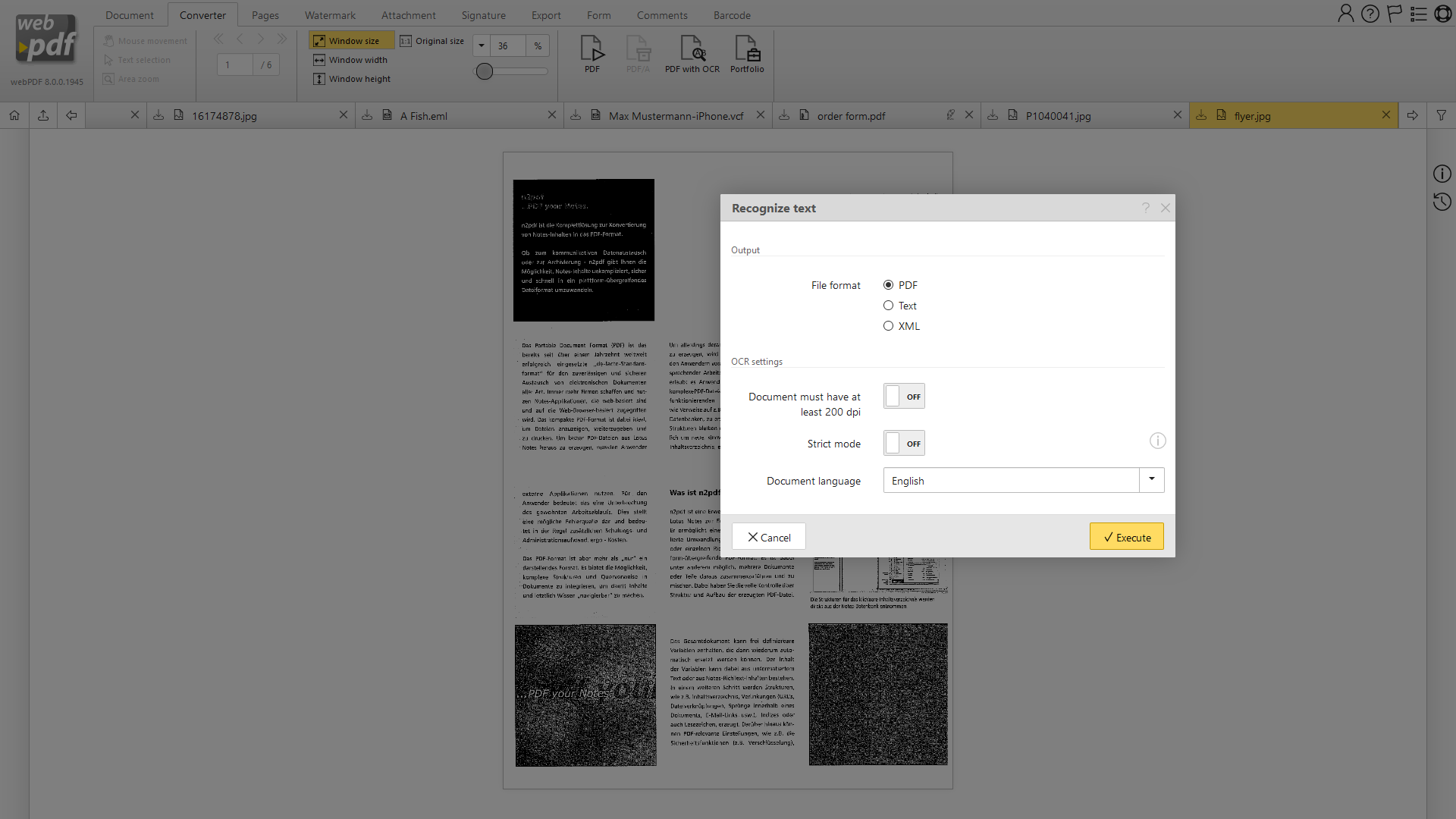 Convert images to PDF documents with OCR
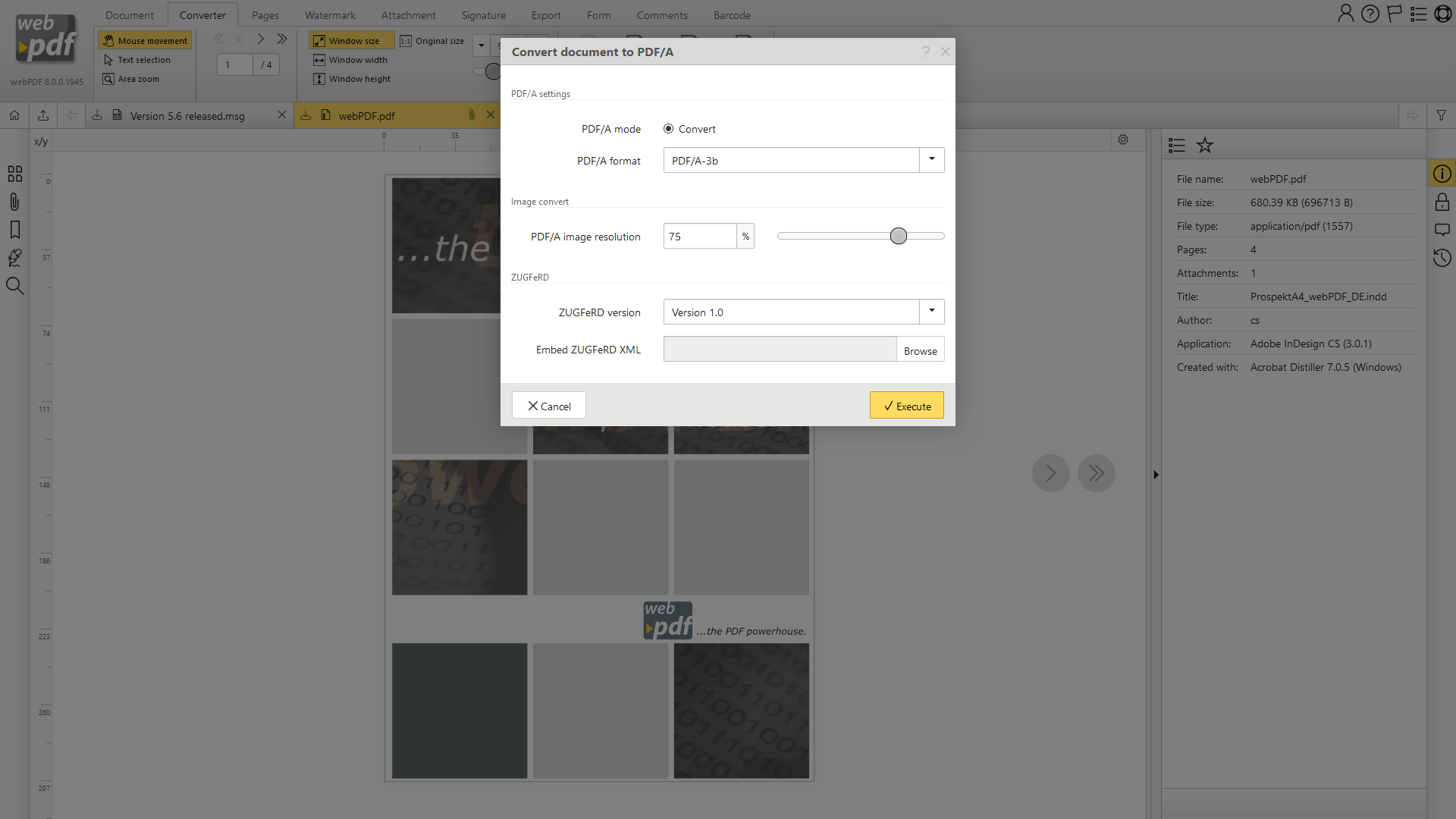 PDF/A conversion and validation
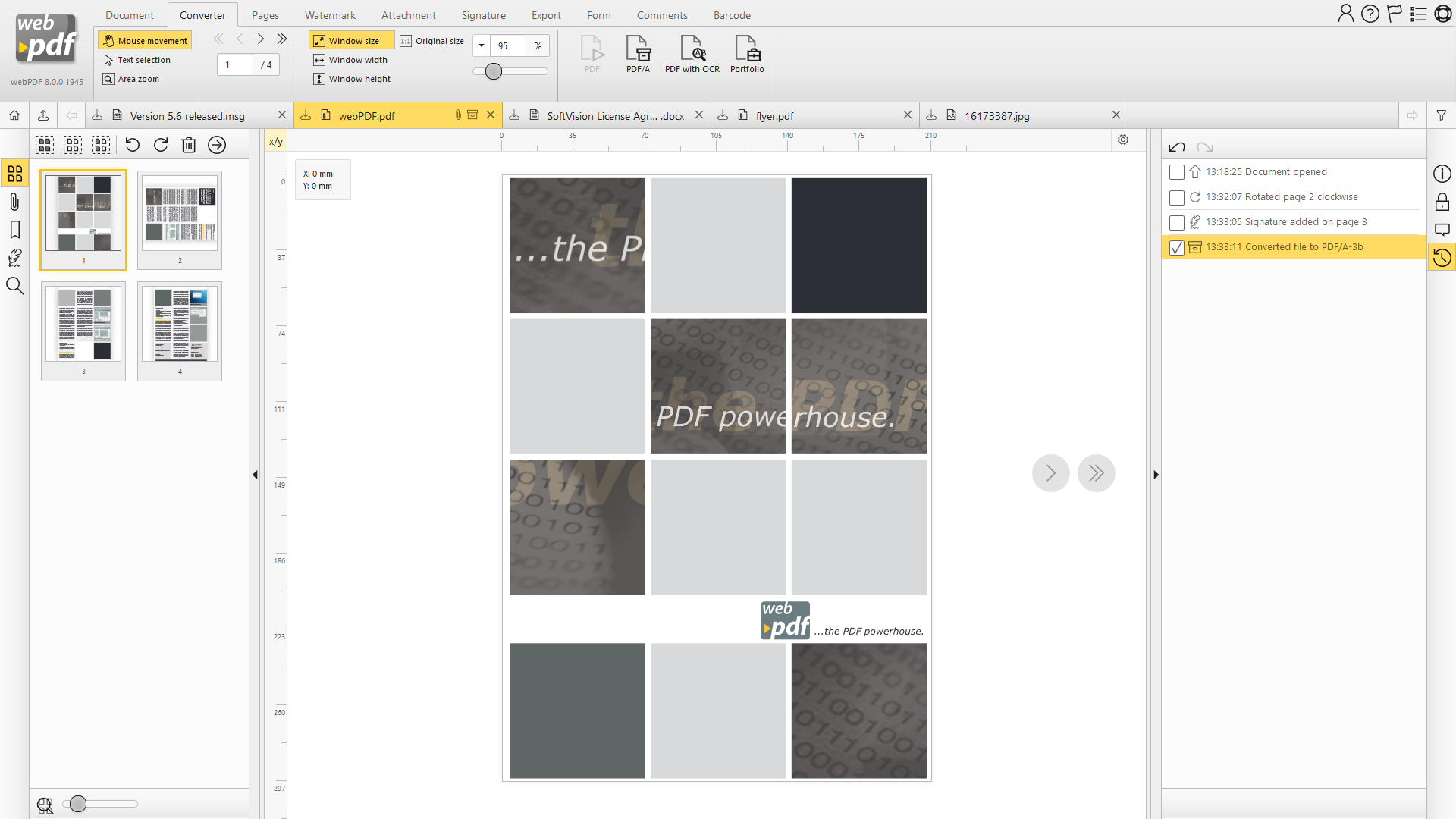 PDF document with editing history
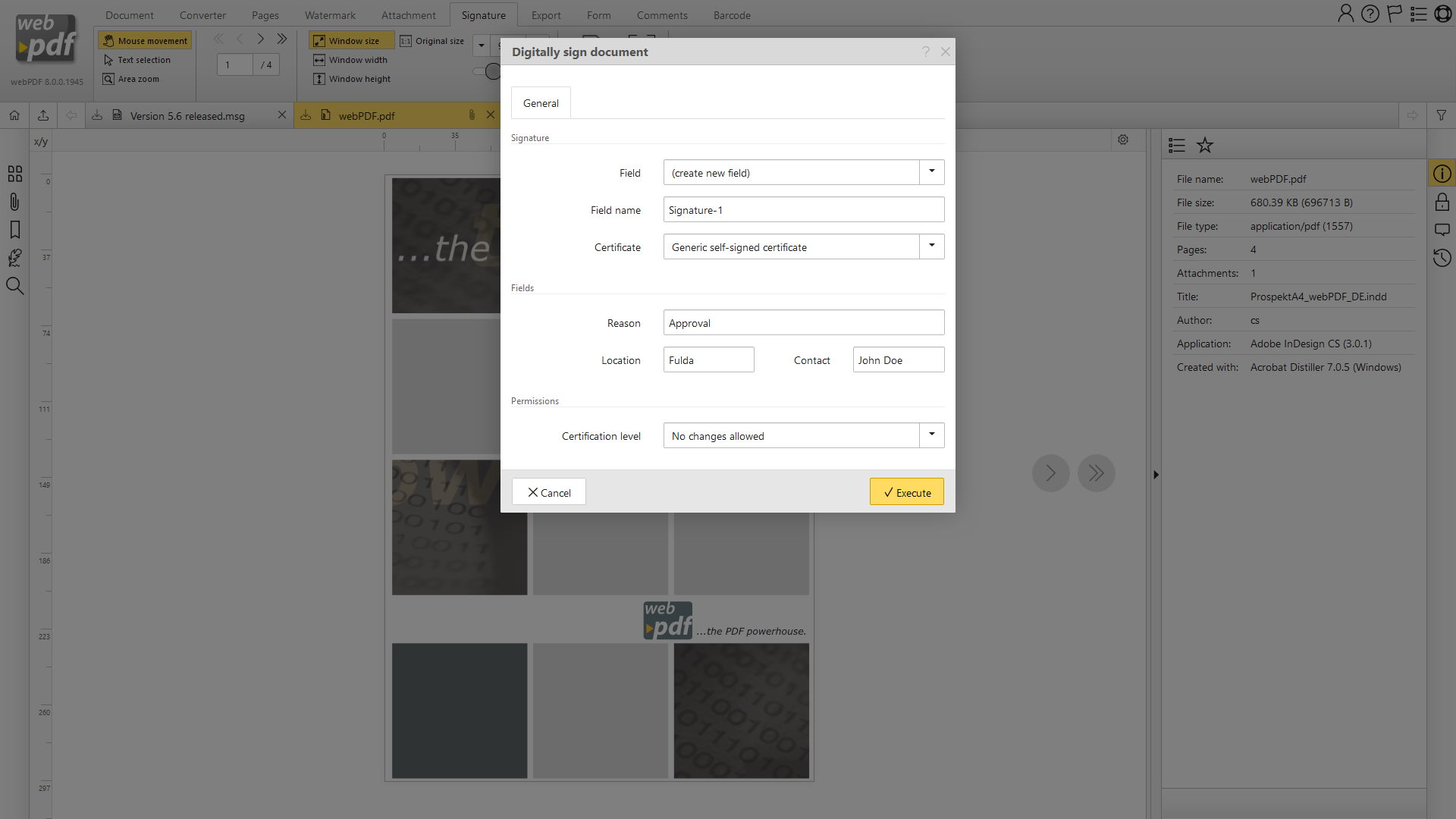 Digitally sign PDF documentsAdd a watermark to the PDF documentStart page with document manager
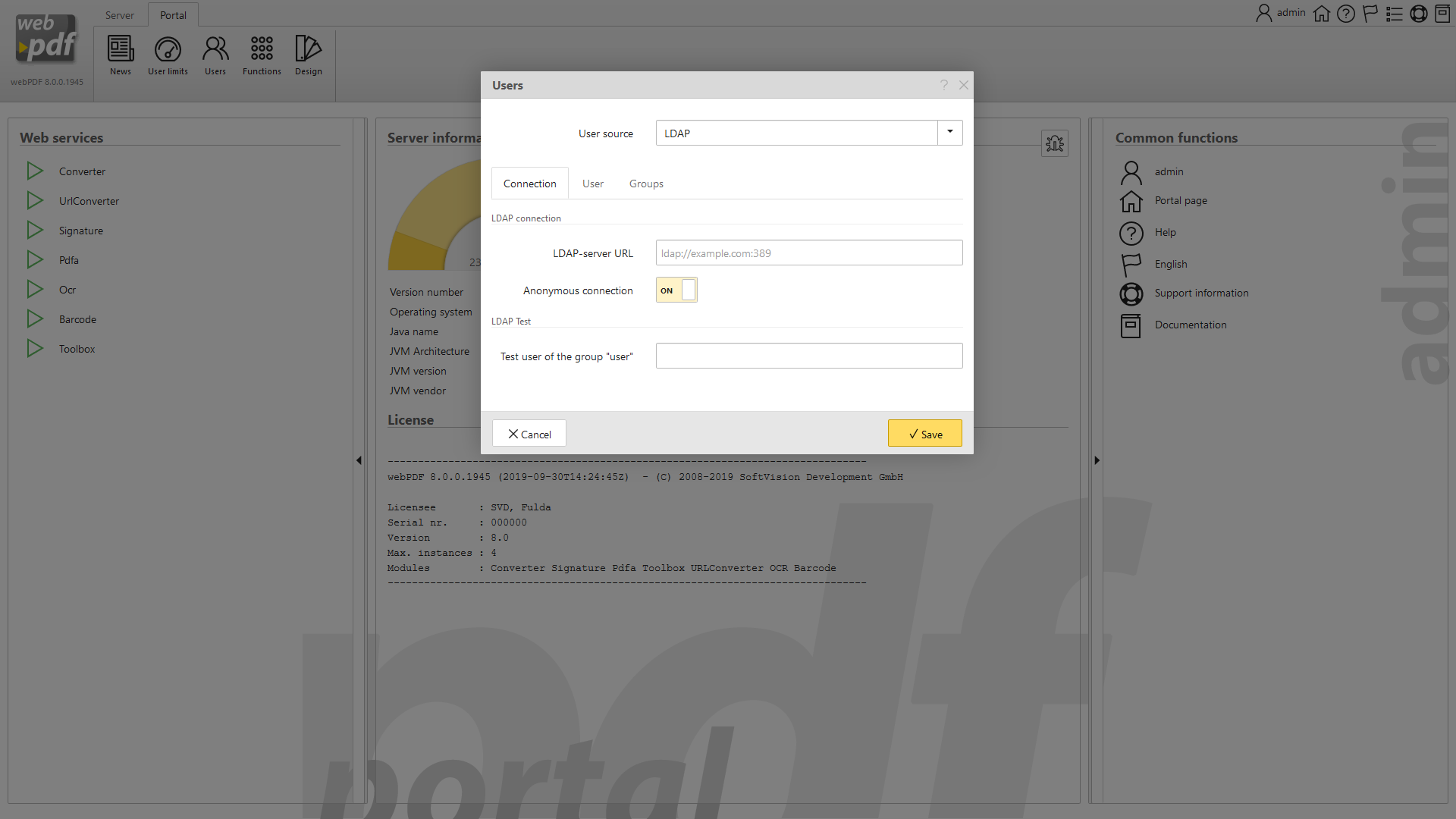 LDAP connection for user login
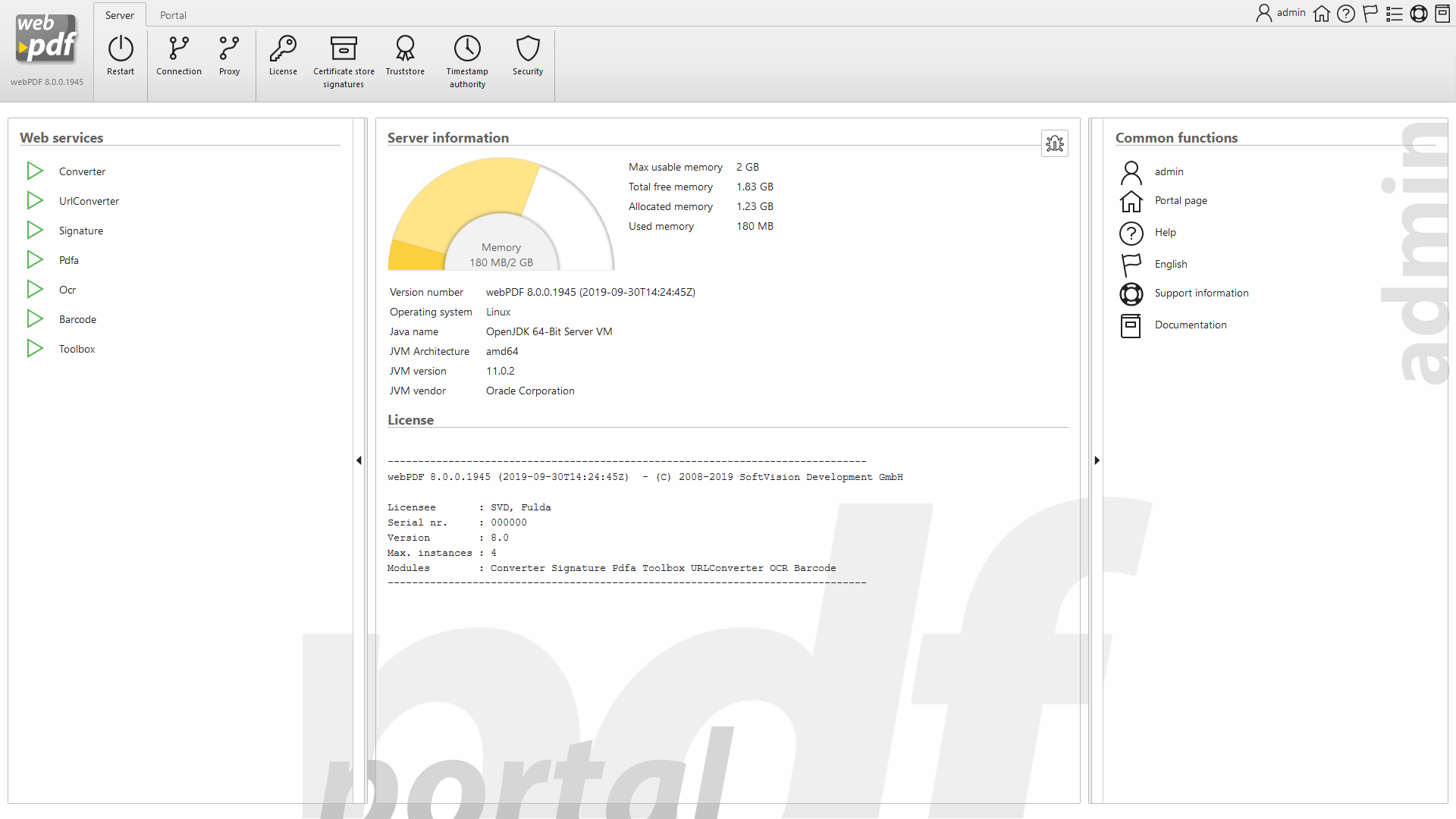 Administration overview
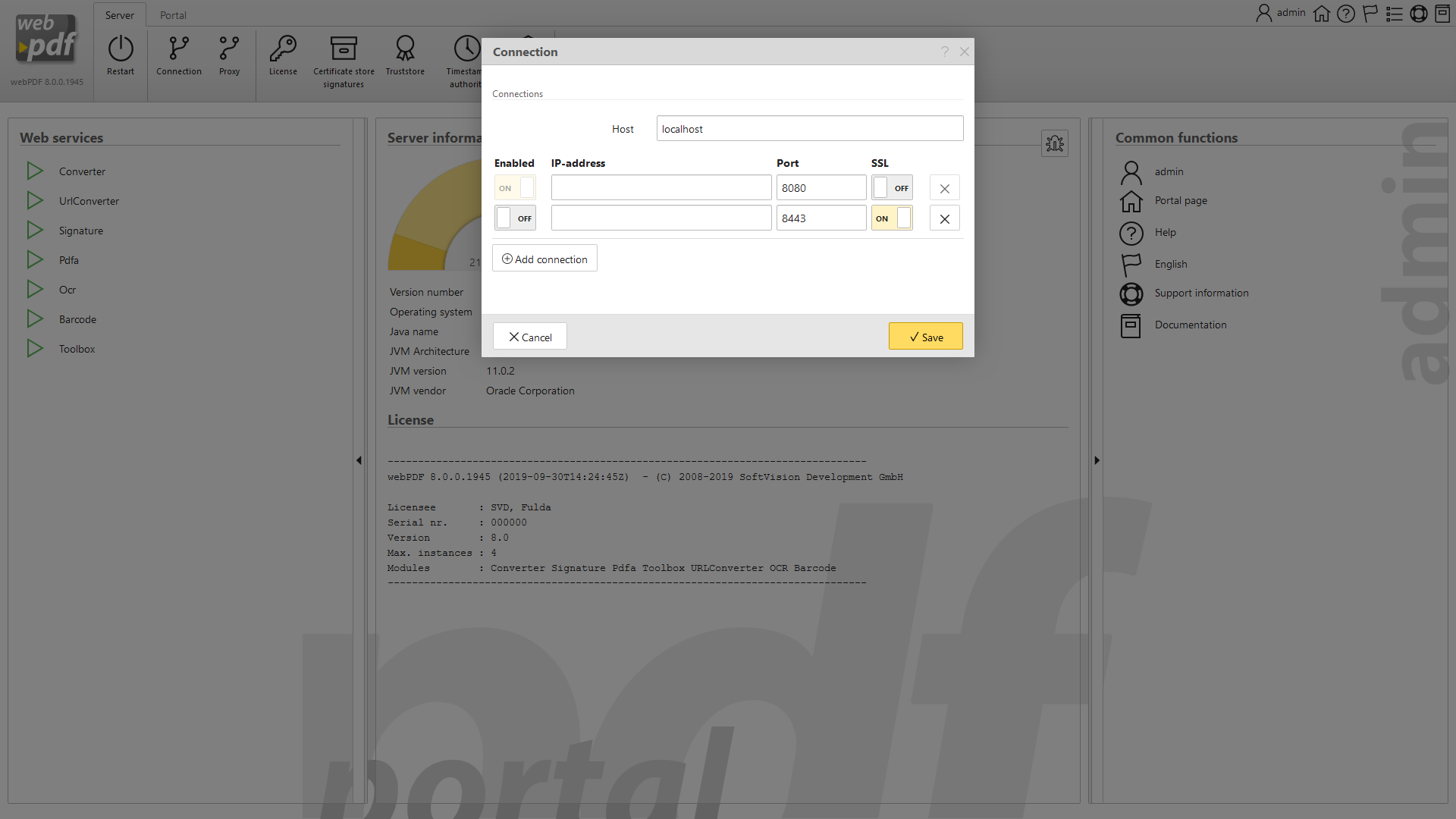 Configure server connections
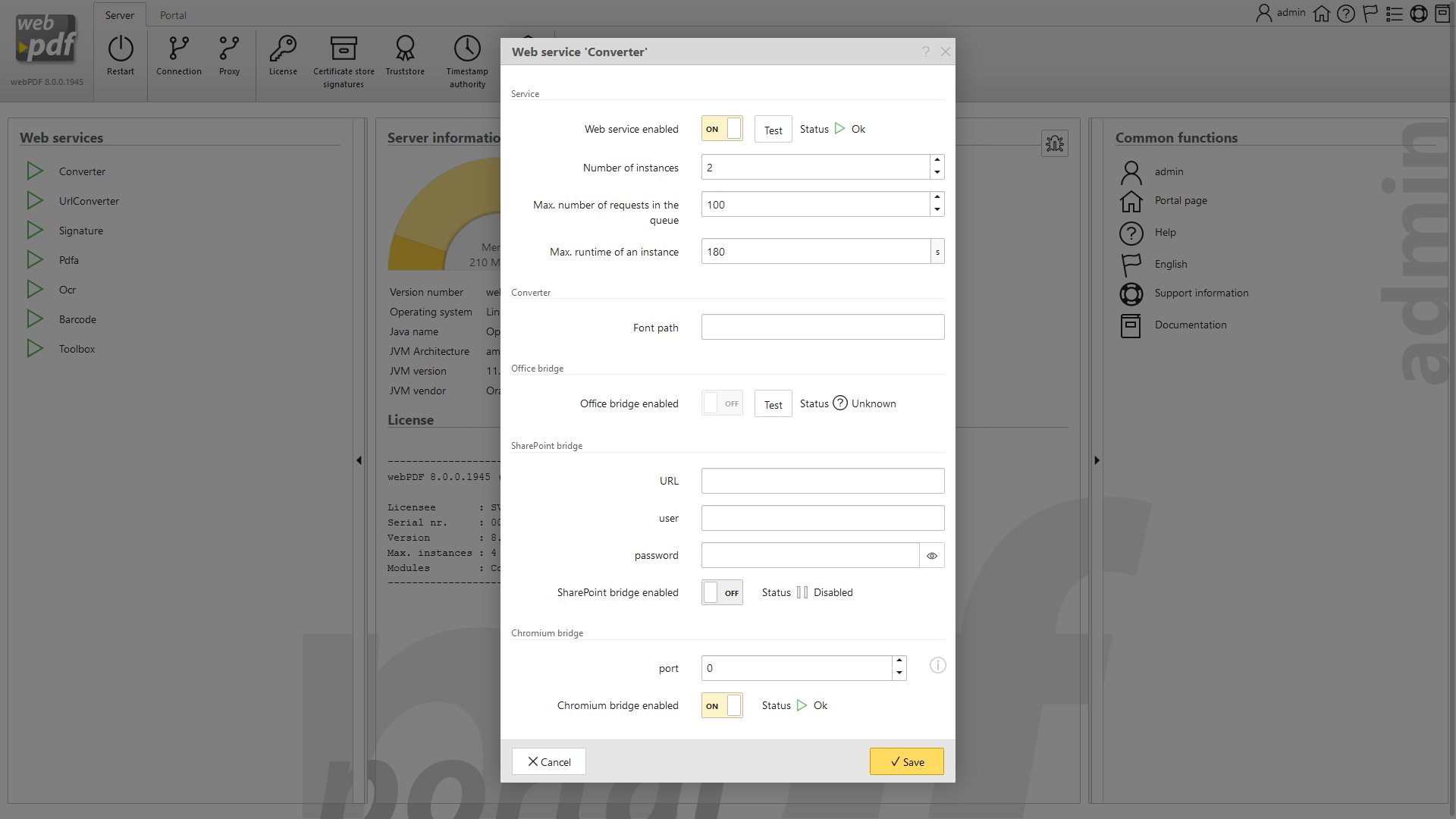 Web service settings (here "Converter")
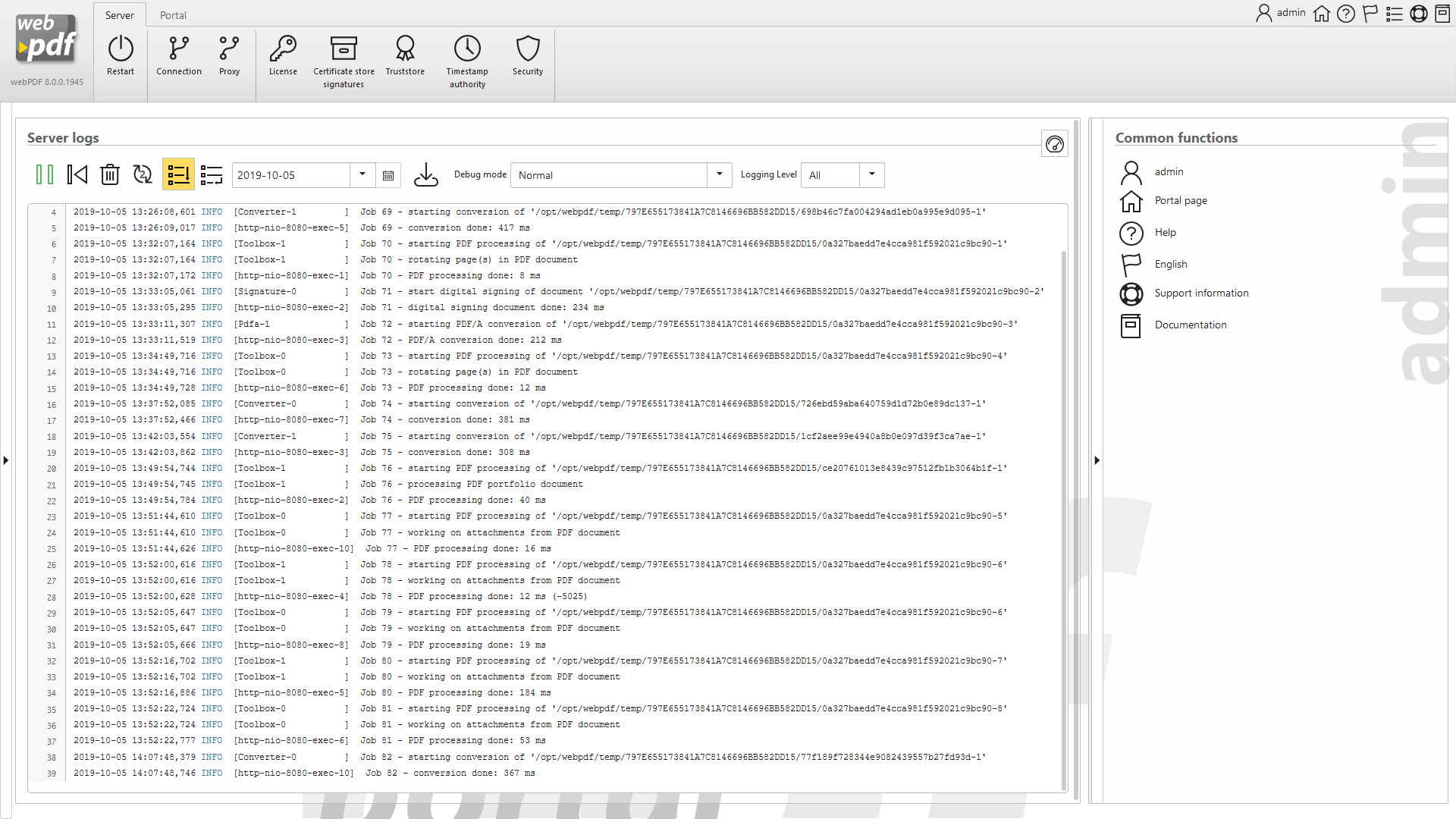 Live log viewerLDAP connection for user loginAdministration overview